



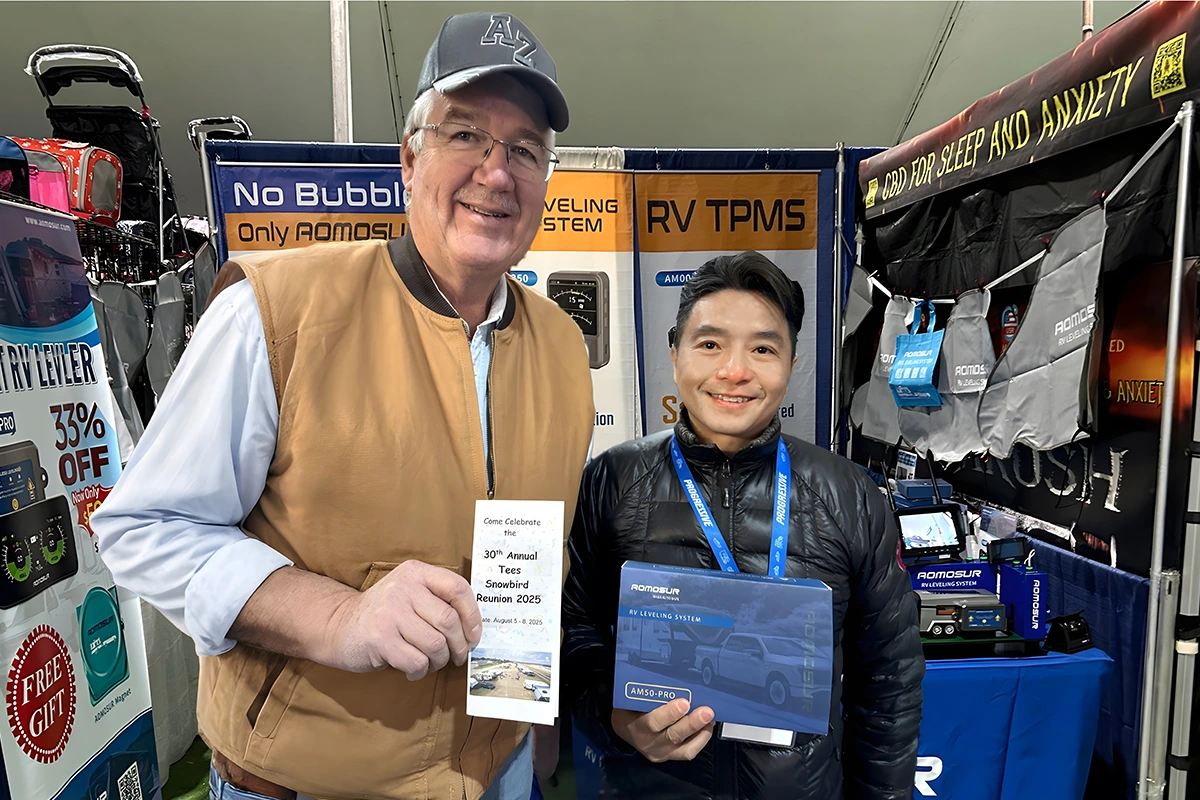
Quartzsite RV Show
Meeting RV owners and industry professionals gives our team direct insight into how products perform on real journeys.
Cart
Your cart is empty
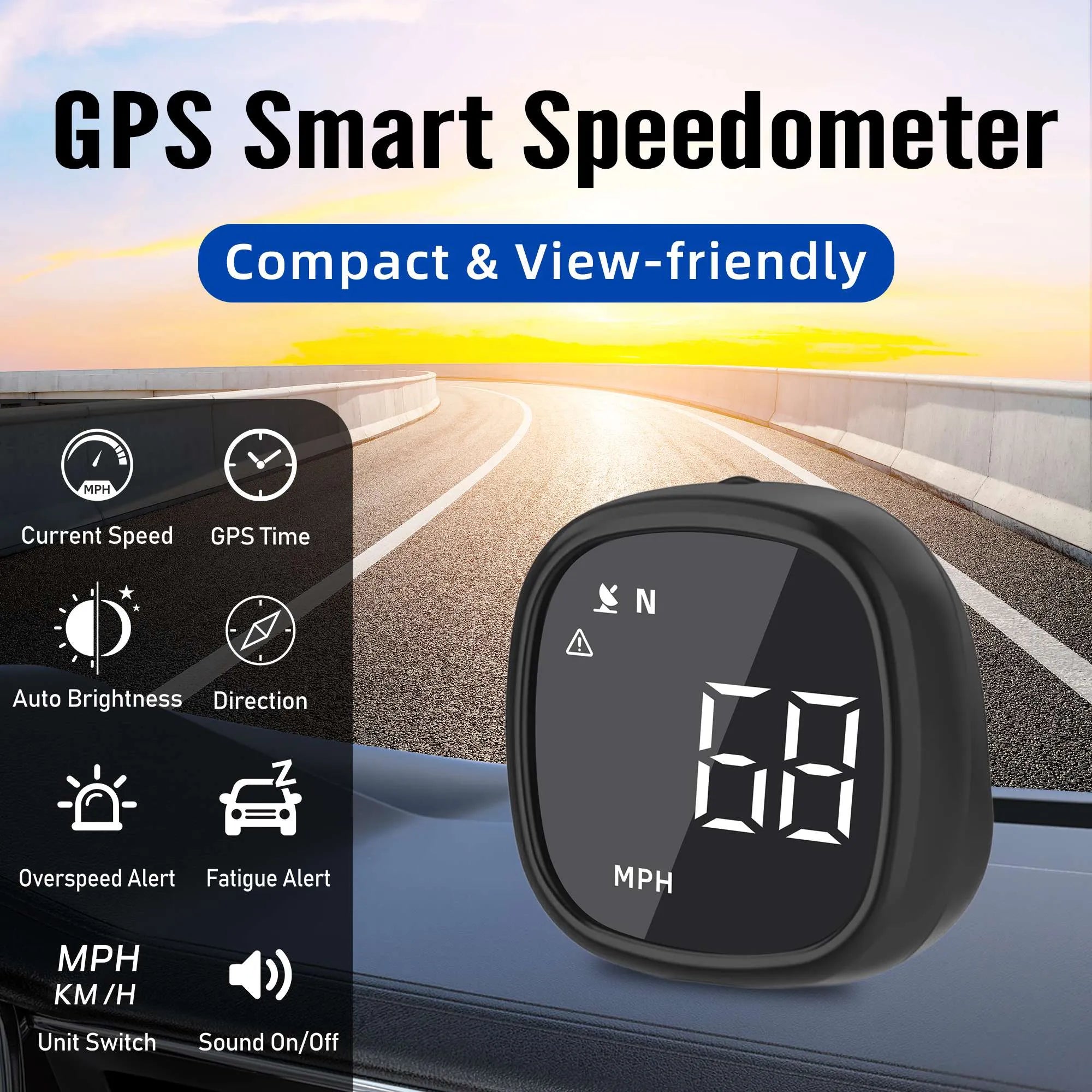
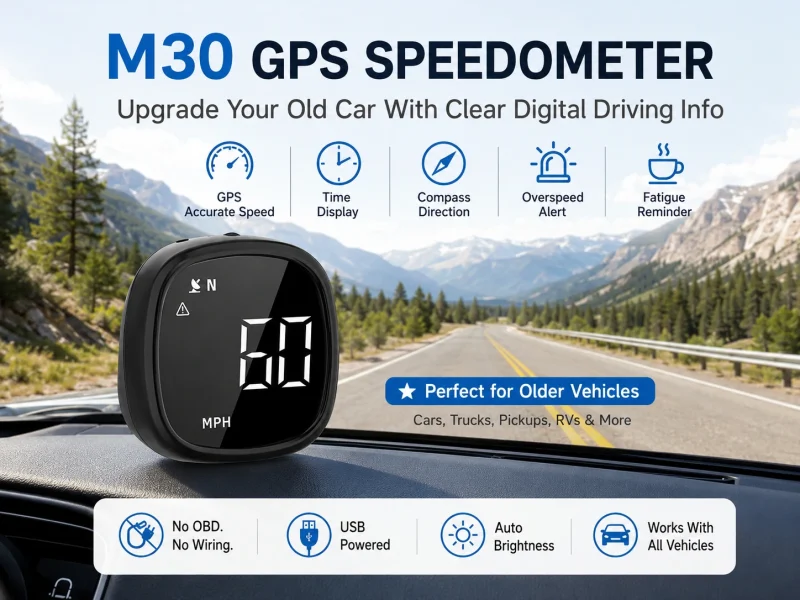
Is your vehicle’s speedometer hard to read or outdated? The M30 GPS Speedometer adds a clear digital speed display without OBD connection or complicated installation.
\nUsing GPS satellite positioning, it shows real-time speed, compass direction, and GPS time on a compact dashboard screen. Perfect for older cars, trucks, RVs, and daily drivers.
\n \nA simple digital upgrade that brings modern driving information to any vehicle.
\n🚚 Free Shipping in the United States (Limited Time)
 \n
\n
\n
\n
\n
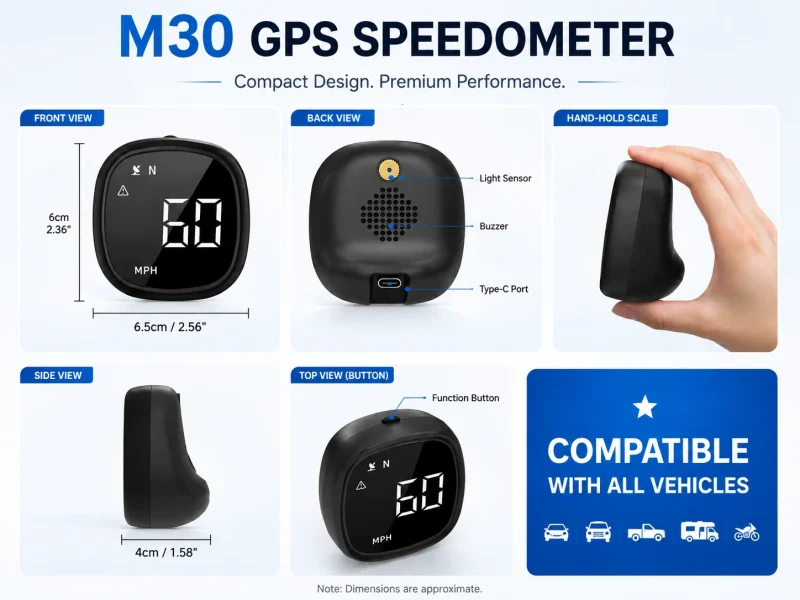
\nThe M30 GPS speedometer for car is a compact digital driving display designed to show real-time speed, GPS time, and compass direction without requiring an OBD connection.
\nPowered through USB and using satellite positioning, the M30 works independently from the vehicle’s original instrument cluster. It is suitable for drivers who want a clearer speed display, an additional reference for older dashboards, or a compact driving monitor that can be transferred between vehicles.
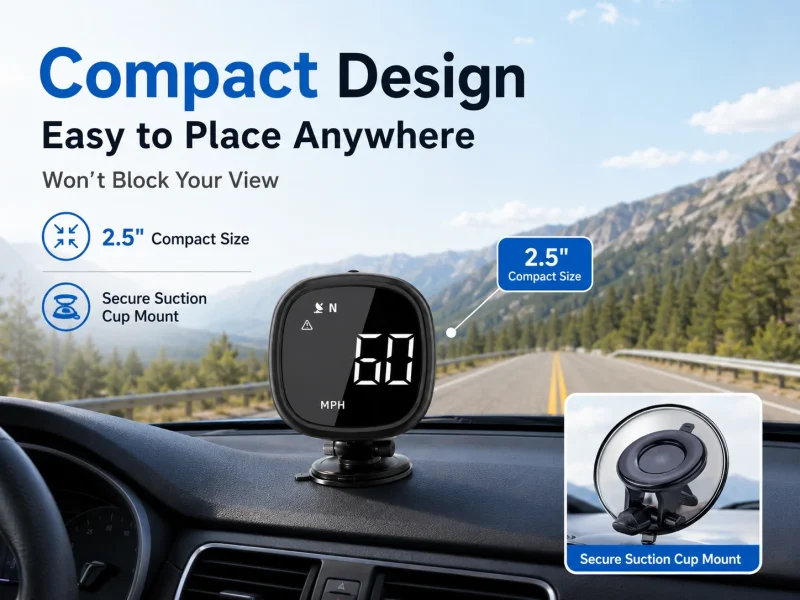
\nIts small dashboard-friendly design helps keep the display visible without occupying excessive windshield or dashboard space.
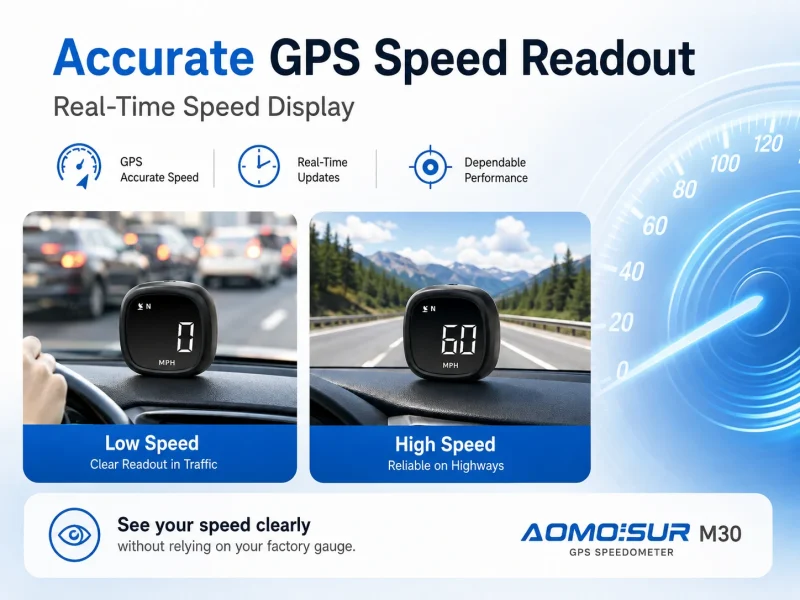
\n \n \nThe M30 calculates vehicle speed using satellite positioning rather than reading speed data from the vehicle’s OBD system.
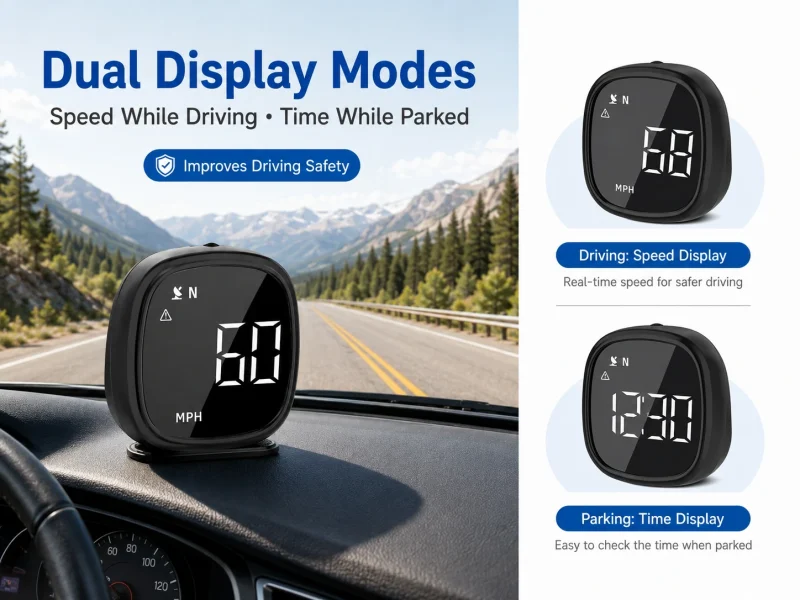
\nThe digital display provides a clear view of your current speed while driving.
\nYou can select:
\n \nThis makes the M30 suitable for use in different countries and regions.
\nGPS-based speed may differ slightly from the vehicle’s original speedometer because the two systems use different measurement methods.
\n \n \nThe M30 does not need to connect to the vehicle’s OBD-II port.
\nThis means it can be used with a wide range of vehicles, including many vehicles that do not support advanced OBD displays.
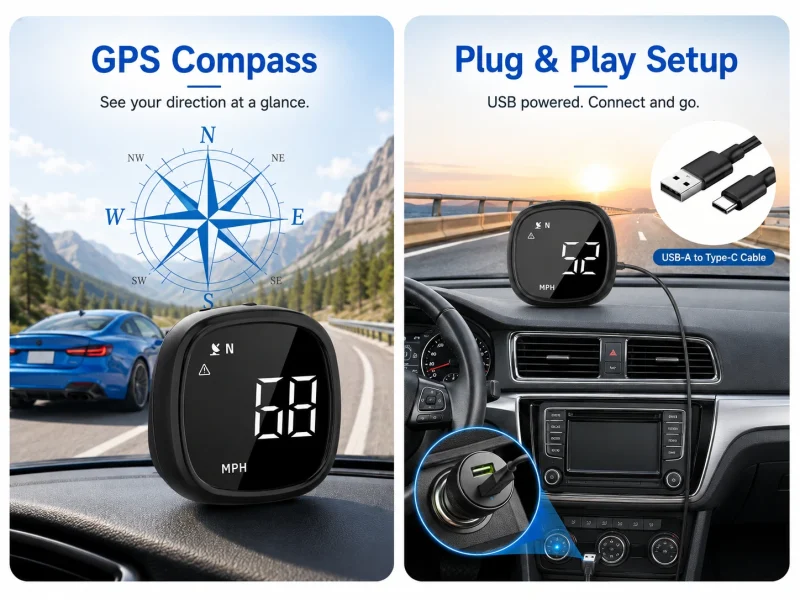
\nSimply:
\n \nNo smartphone app, Bluetooth pairing, or mobile internet connection is required.
\n \n \nThe M30 receives time information from positioning satellites and displays GPS-based time.
\nThis provides a convenient time reference during daily driving and long-distance travel.
\nDepending on the product settings, the user may need to adjust the time-zone offset so that the displayed time matches the local time.
\nGPS time reception requires a usable satellite signal.
\n \n \nThe integrated compass display shows the vehicle’s approximate travel direction.
\nSupported direction indicators may include:
\n \nThe direction display updates more reliably while the vehicle is moving. When the vehicle is stationary or moving very slowly, compass information may update more slowly.
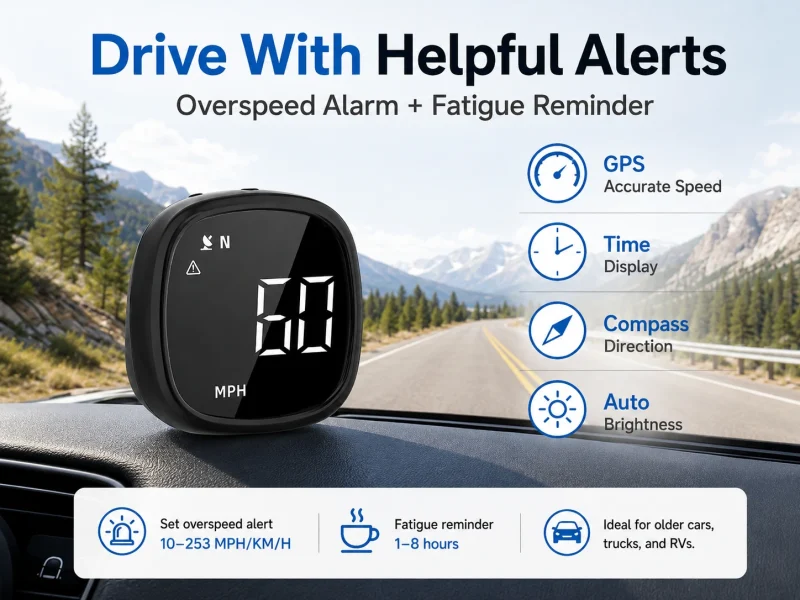
\n \n \nThe M30 allows the driver to set a custom overspeed warning value.
\nThe supported adjustment range is approximately:
\n \n10–253 MPH or KM/HWhen the detected speed exceeds the selected value, the device provides an audible reminder.
\nThe overspeed alert is intended as an additional driving reference. Drivers remain responsible for observing posted speed limits and local traffic laws.
\n \n \nThe M30 includes an adjustable fatigue-driving reminder for longer trips.
\nThe reminder interval can be set between approximately:
\n \n1–8 hoursAfter the selected period of continuous operation, the device provides a reminder to help the driver consider taking a break.
\nThe reminder does not detect actual fatigue or driver alertness. It functions only as a time-based notification.
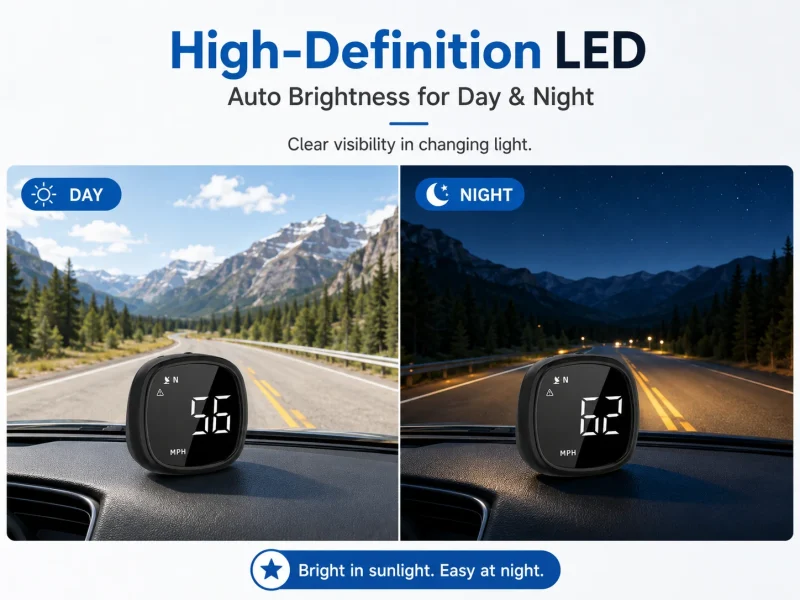
\n \n \nThe screen adjusts its brightness according to surrounding light conditions.
\nThis helps maintain readability in environments such as:
\n \nAutomatic brightness also reduces the need to manually change display settings throughout the day.
\n \n \nThe audible alert function can be enabled or disabled through the device controls.
\nTurning sound on allows the M30 to provide overspeed and fatigue reminders.
\nTurning sound off may be useful when the driver prefers visual information without audible alerts.
\n \n \nThe M30 features a compact body measuring approximately:
\n \n6.5 × 6 × 4 cmIts small size helps reduce dashboard clutter and allows installation in a position that remains easy to see.
\nSelect an installation position that:
\n \nBecause the M30 uses GPS speed data rather than OBD vehicle data, it can work with many vehicle types.
\nSuitable applications include:
\n \nThe vehicle must provide a suitable USB power source or use a compatible USB vehicle charger.
\nIf using a 12V or 24V vehicle power socket, make sure the USB adapter supports the vehicle’s electrical system and provides the required USB output.
\n \n \nThe M30 includes mounting accessories such as a non-slip pad or adhesive mounting material, depending on the package version.
\nRecommended installation steps:
\n \nAvoid placing the device directly above an airbag cover or in a location that could become hazardous during sudden braking.
\n \n \nThe M30 needs a clear satellite signal to calculate speed, direction, and time.
\nGPS reception may be reduced in:
\n \nAfter entering an open area, the device may require a short period to reacquire the satellite signal.
\nInitial positioning may take longer when the product is used for the first time or after traveling a long distance while powered off.
\n \n \nThe M30 combines several practical driving functions in one compact device:
\n \nIt is a practical choice for drivers who want a clear secondary speed display without modifying the vehicle or relying on the original dashboard.
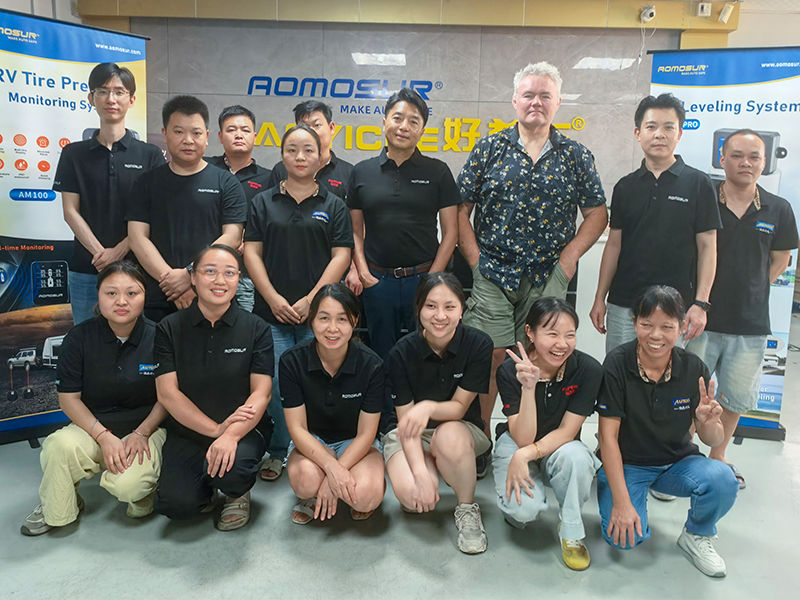
AOMOSUR develops wireless leveling, tire monitoring, backup-camera and intelligent vehicle solutions for RV and off-road travelers around the world.
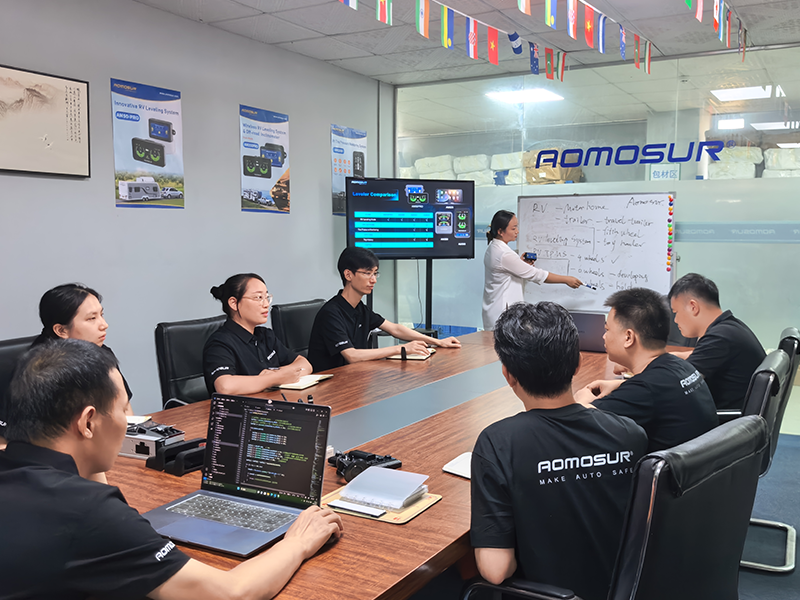
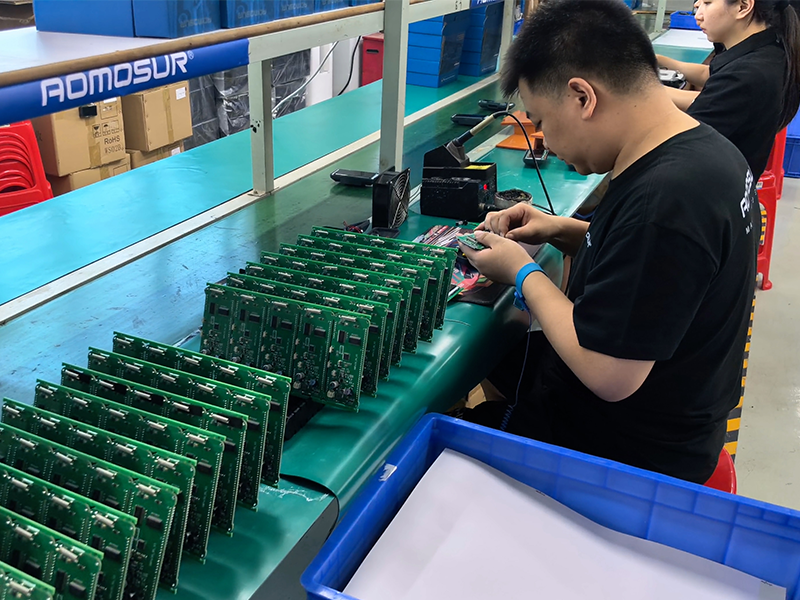
Our hardware combines precise sensing, dependable wireless performance and travel-ready durability, backed by experienced in-house engineering and manufacturing.
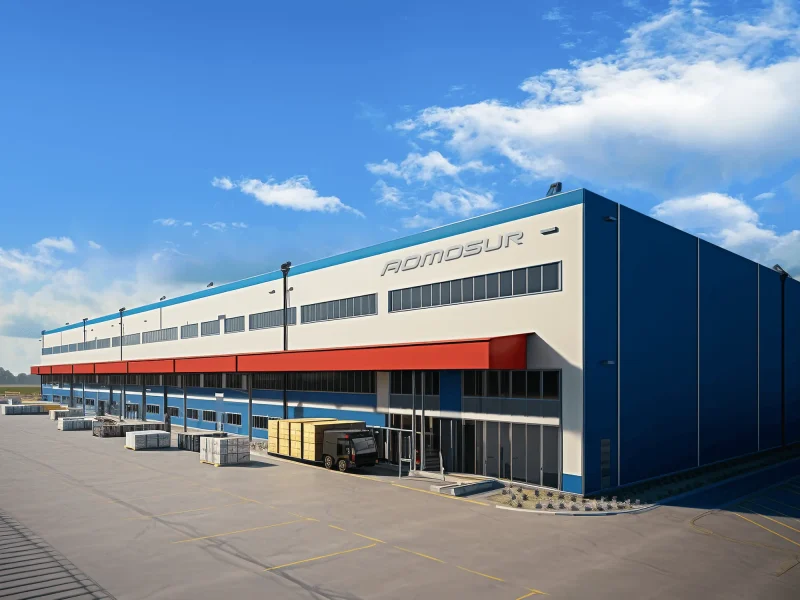
Make every RV journey easier and more secure through practical electronics travelers can rely on.
Turn precise sensing and wireless technology into durable, intuitive products for real travel conditions.
Work closely with customers and partners across North America, Europe, Oceania and other markets.
Listen carefully, support responsively and keep improving every solution after it reaches the road.
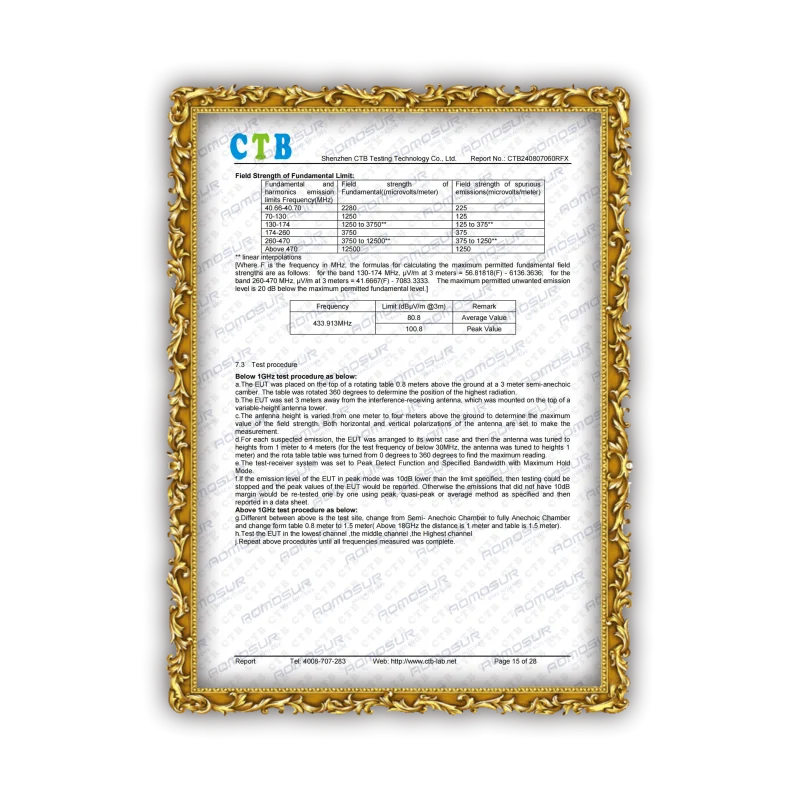
A structured process keeps design, validation, production and delivery aligned.
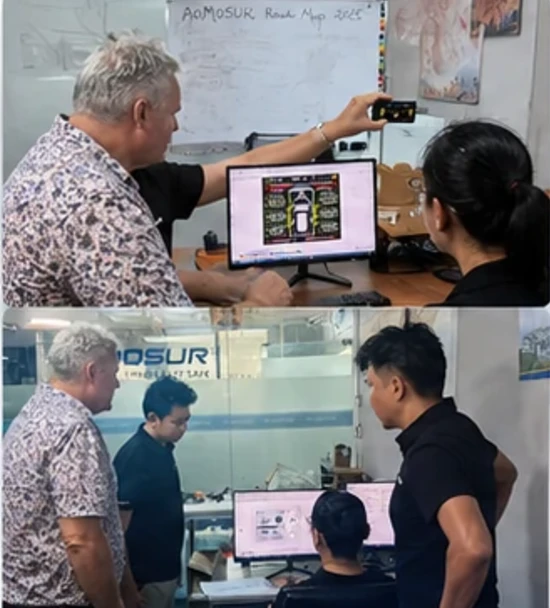
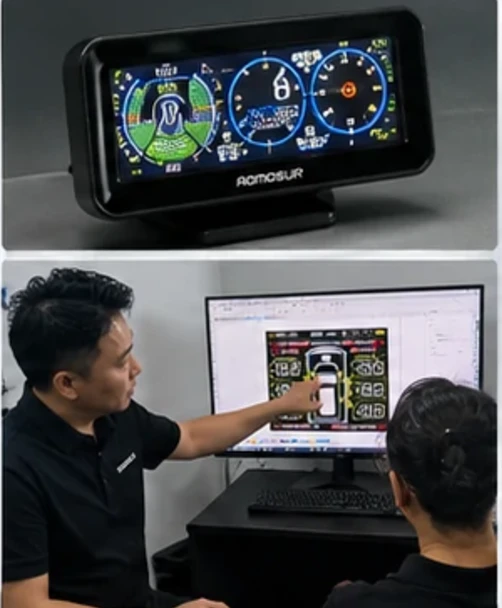
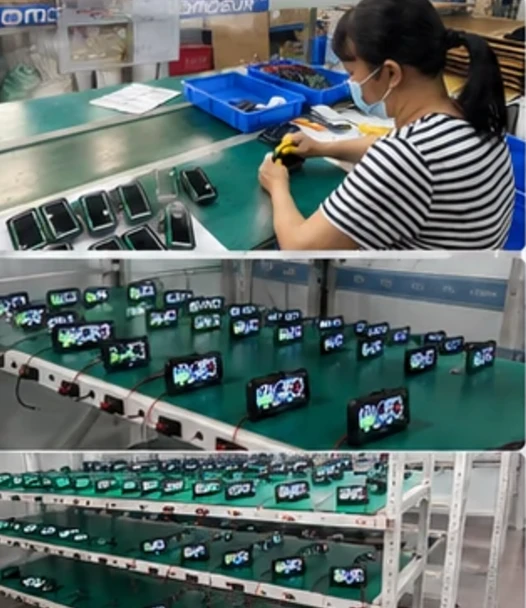
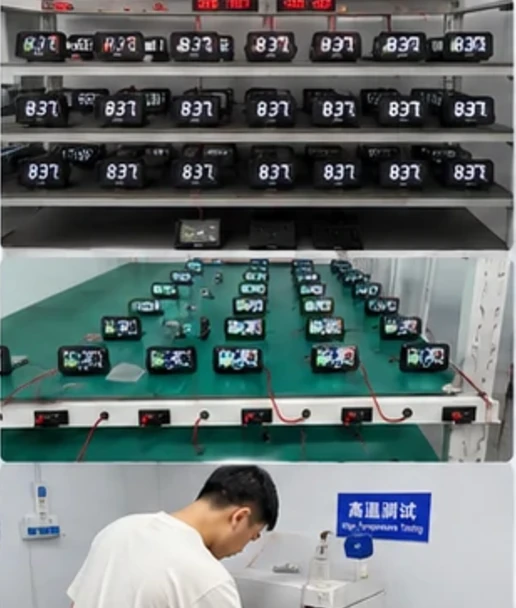

Meeting RV owners and industry professionals gives our team direct insight into how products perform on real journeys.
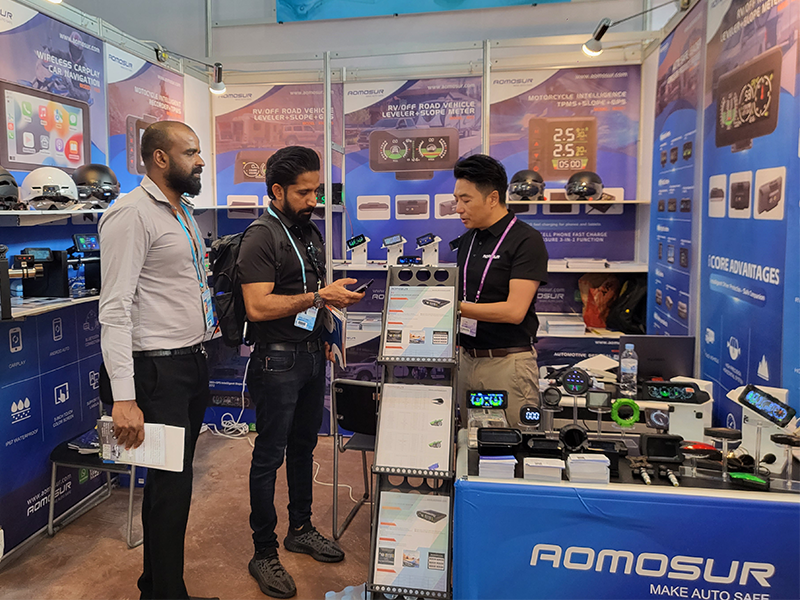
Global exhibitions help us exchange ideas, understand new markets and strengthen long-term relationships.


Explore AOMOSUR solutions for leveling, monitoring, cameras and off-road travel.