
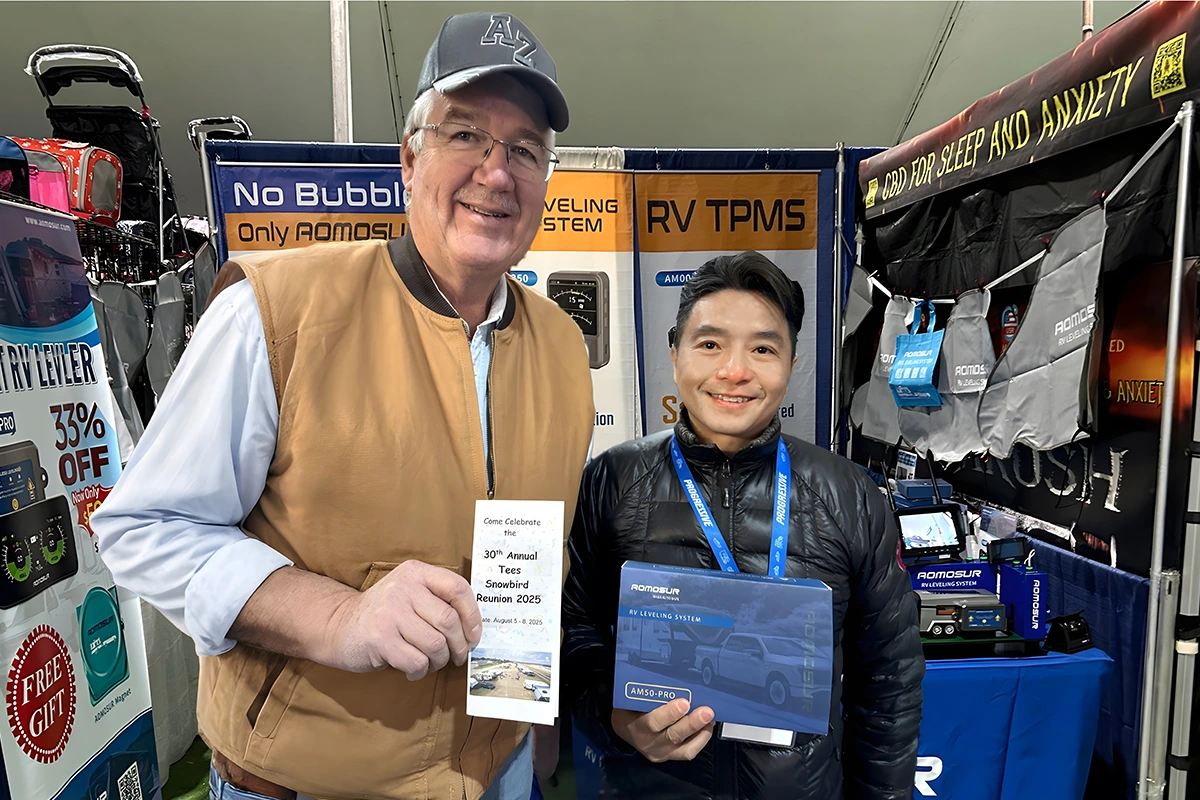
Quartzsite RV Show
Meeting RV owners and industry professionals gives our team direct insight into how products perform on real journeys.
Cart
Your cart is empty
Choose options
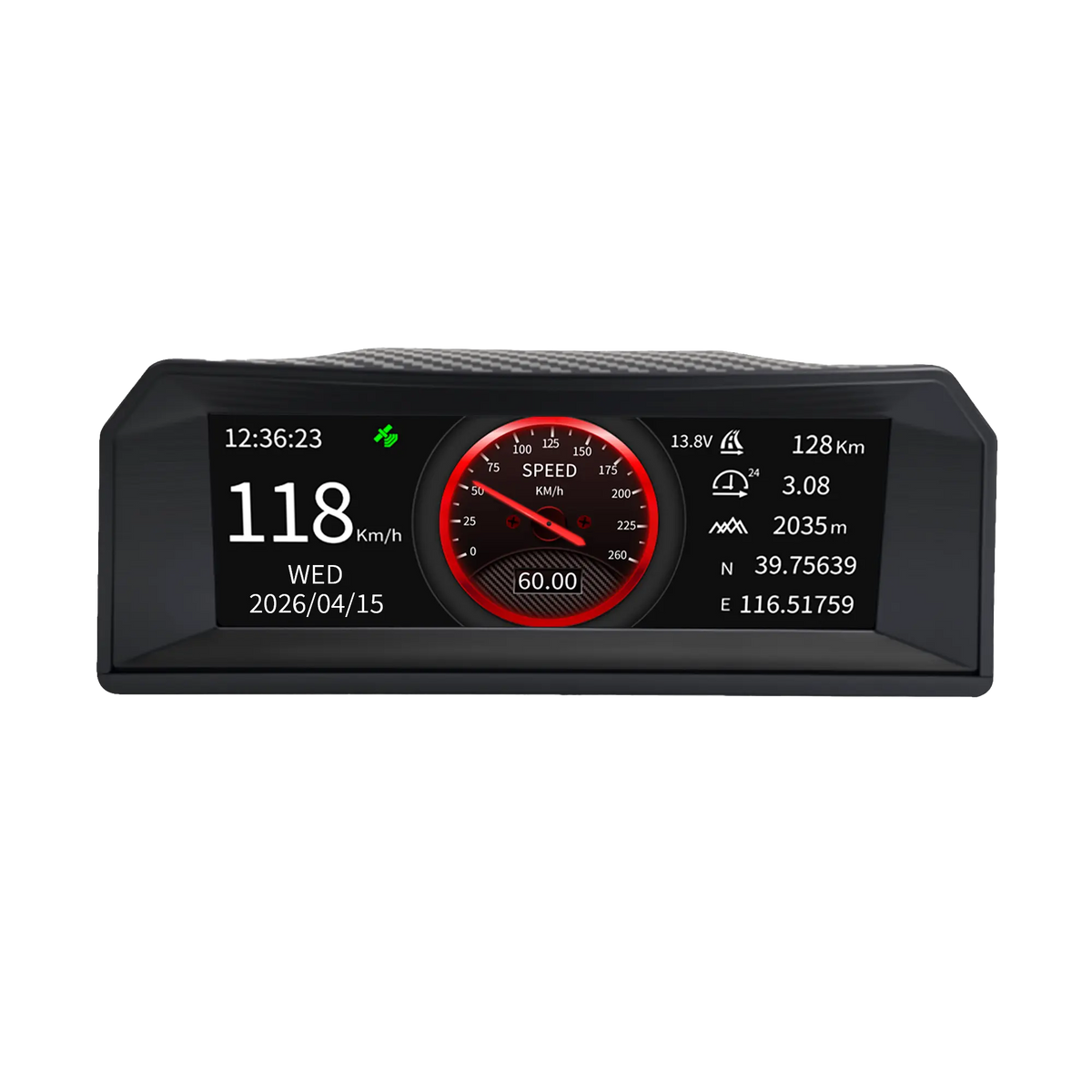
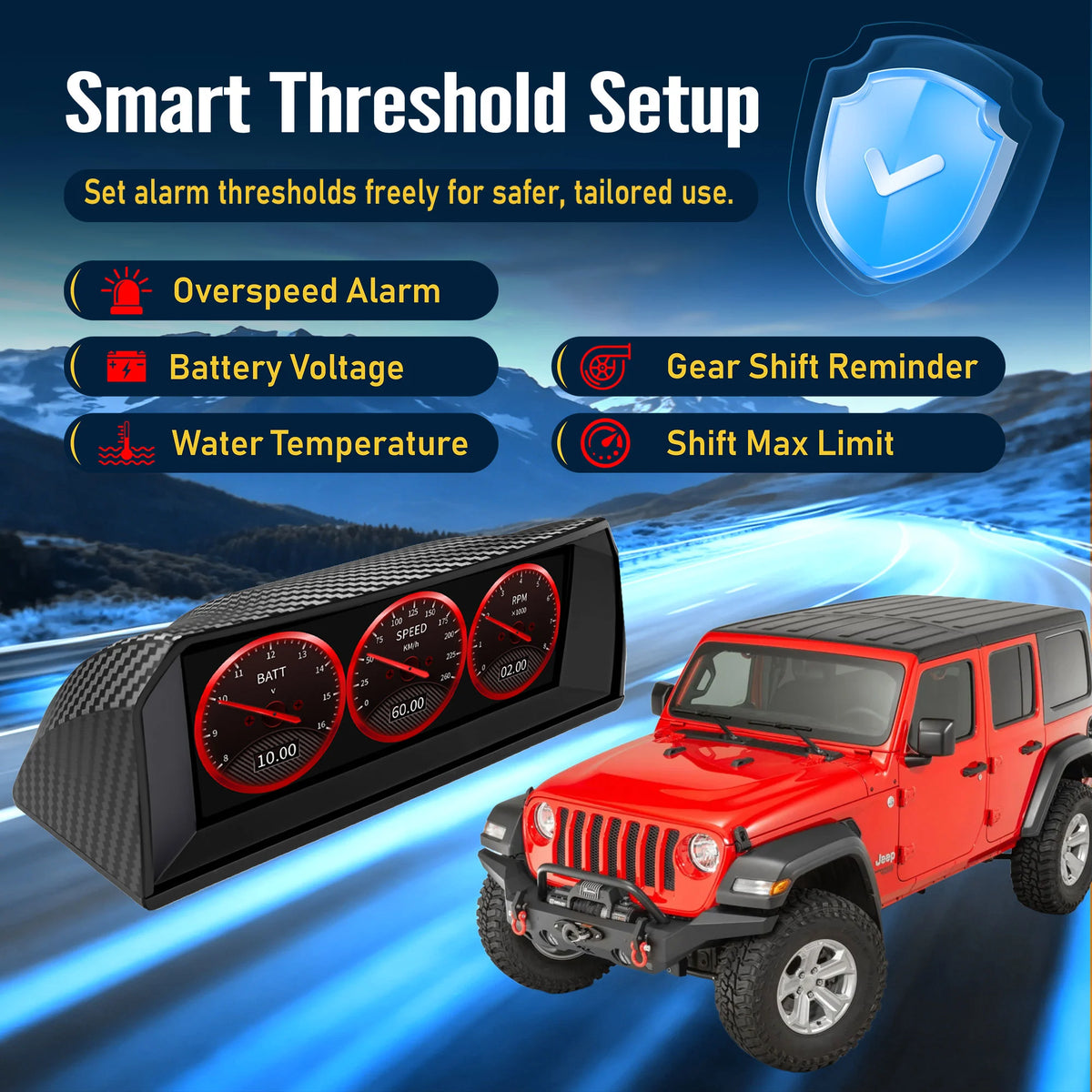
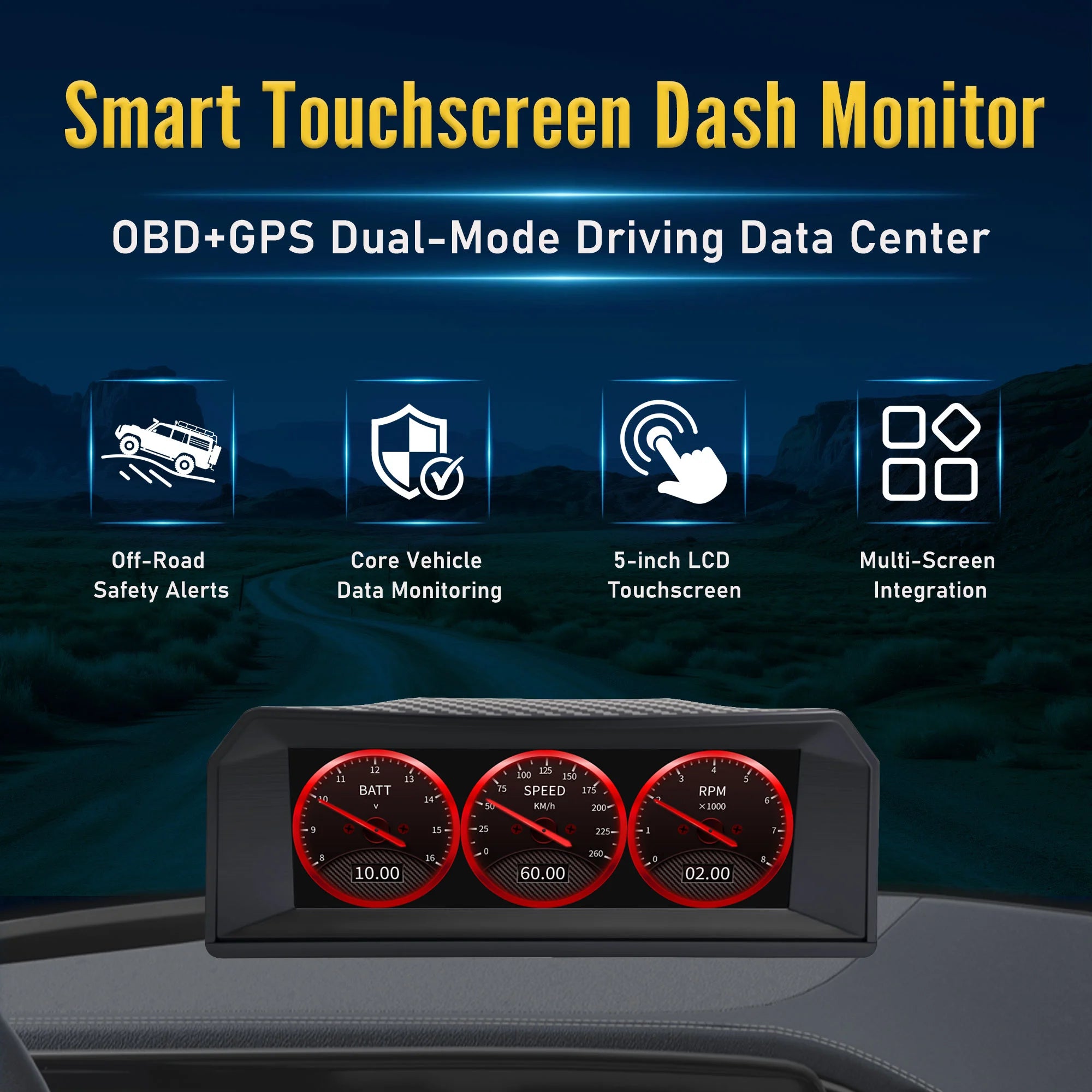
Monitor essential vehicle data, GPS speed, pitch, roll, and G-force on one dedicated display.
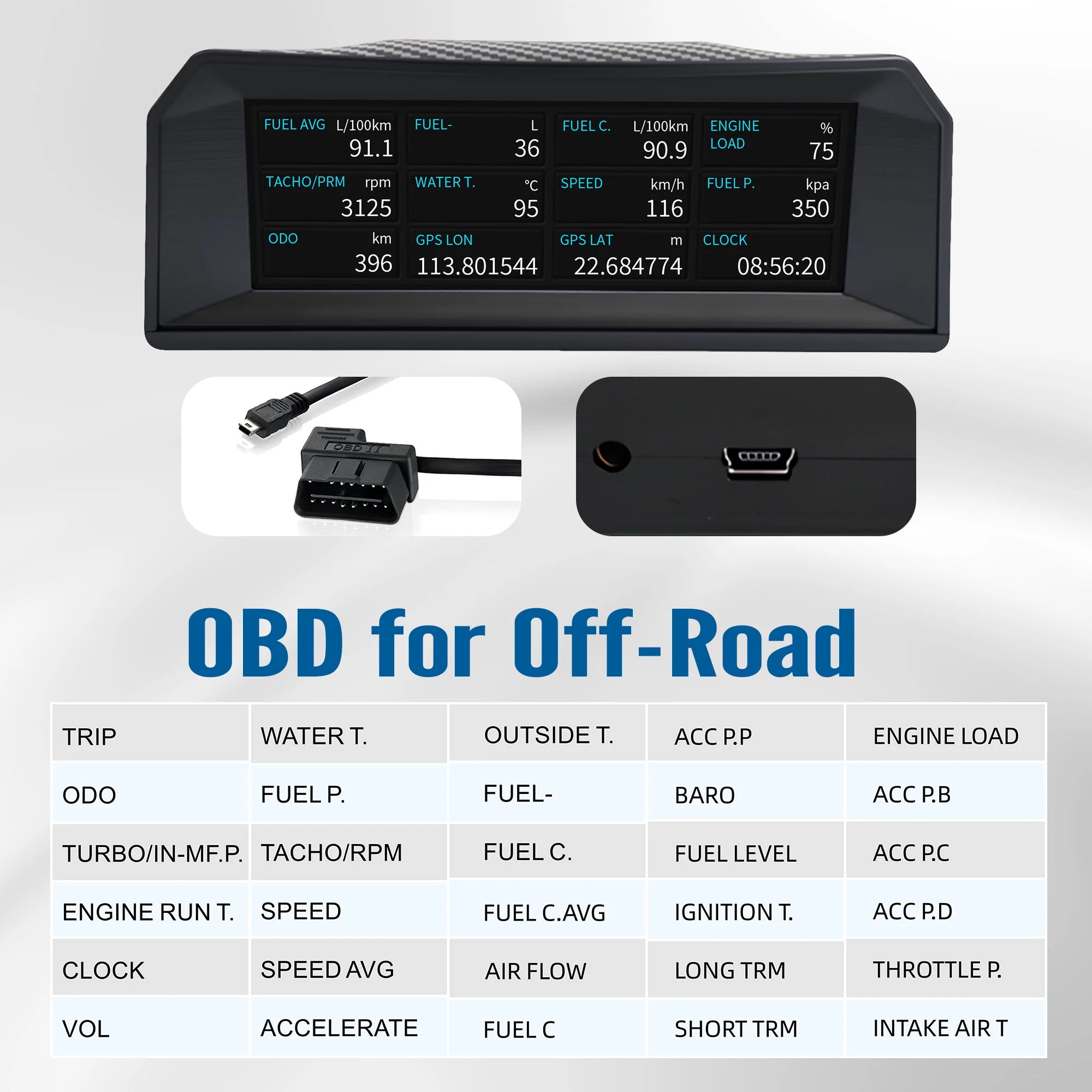
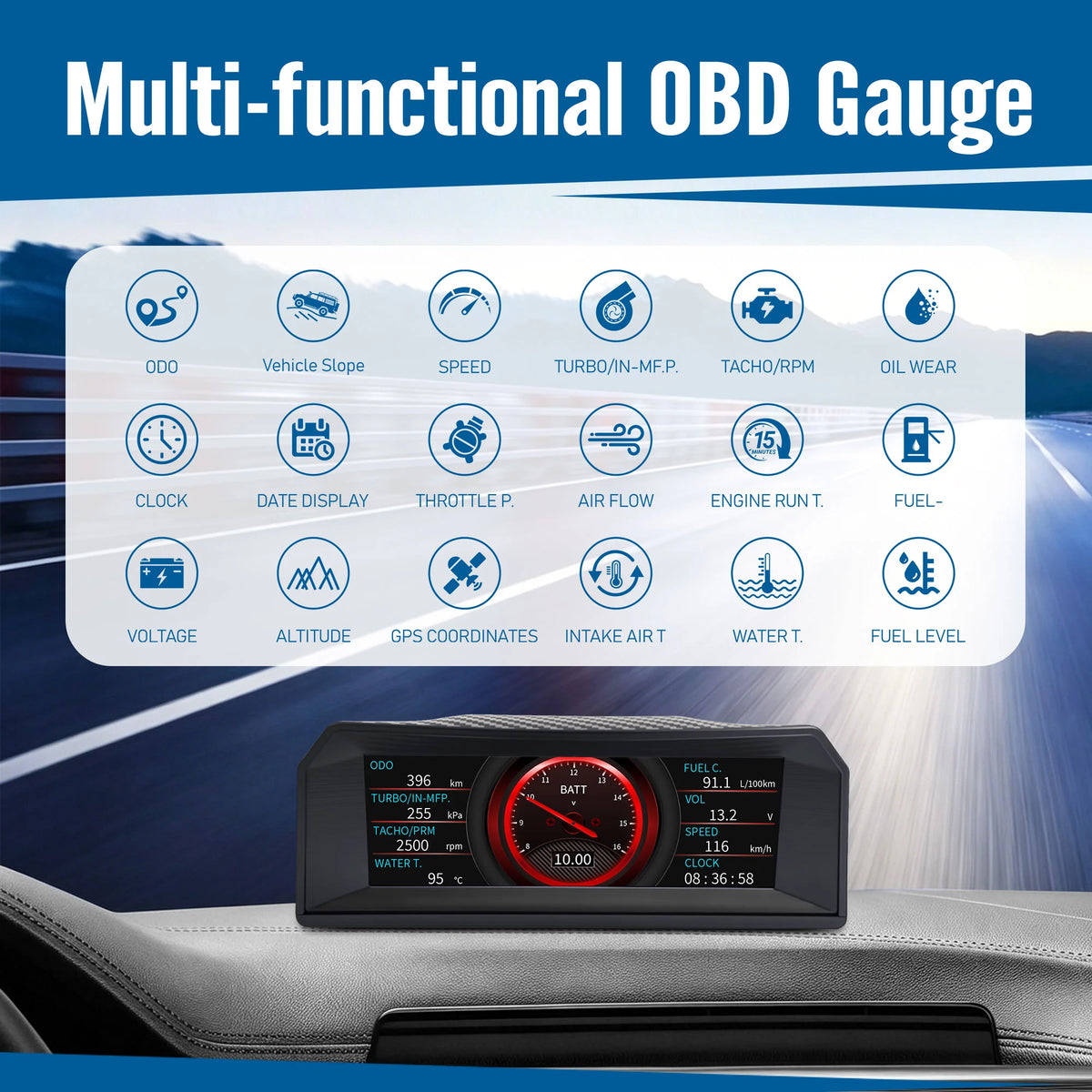
\nThe X300 OBD2 gauge display connects directly to a compatible vehicle’s OBD-II port and provides real-time access to data such as RPM, vehicle speed, battery voltage, engine load, intake air temperature, fuel level, fuel rail pressure, and exhaust gas temperature.
\nWith GPS + BeiDou positioning, multiple customizable display modes, an inclinometer, and a G-force meter, the X300 is designed for supported Toyota, Mitsubishi, Jeep Wrangler, Ford F-150 Raptor, and other compatible OBD-II off-road vehicles.
\n \n\nDisplayed data varies by vehicle model, ECU configuration, OBD-II protocol, and supported PID output.
\n
The X300 OBD2 gauge display combines real-time vehicle data, GPS-based driving information, off-road attitude monitoring, and customizable display modes in one compact screen.
\nDesigned for supported off-road vehicles, pickups, SUVs, and performance-oriented vehicles, the X300 connects to the vehicle’s OBD-II port and displays available data directly from the vehicle’s electronic control system.
\nIt is suitable for select Toyota, Mitsubishi, Jeep Wrangler, Ford F-150 Raptor, and other compatible OBD-II vehicles. Compatibility and available data depend on the specific vehicle, model year, ECU, protocol, and supported OBD-II PIDs.
\n \n \nThe X300 displays multiple live vehicle parameters received through the OBD-II connection.
\nDepending on vehicle support, available data may include:
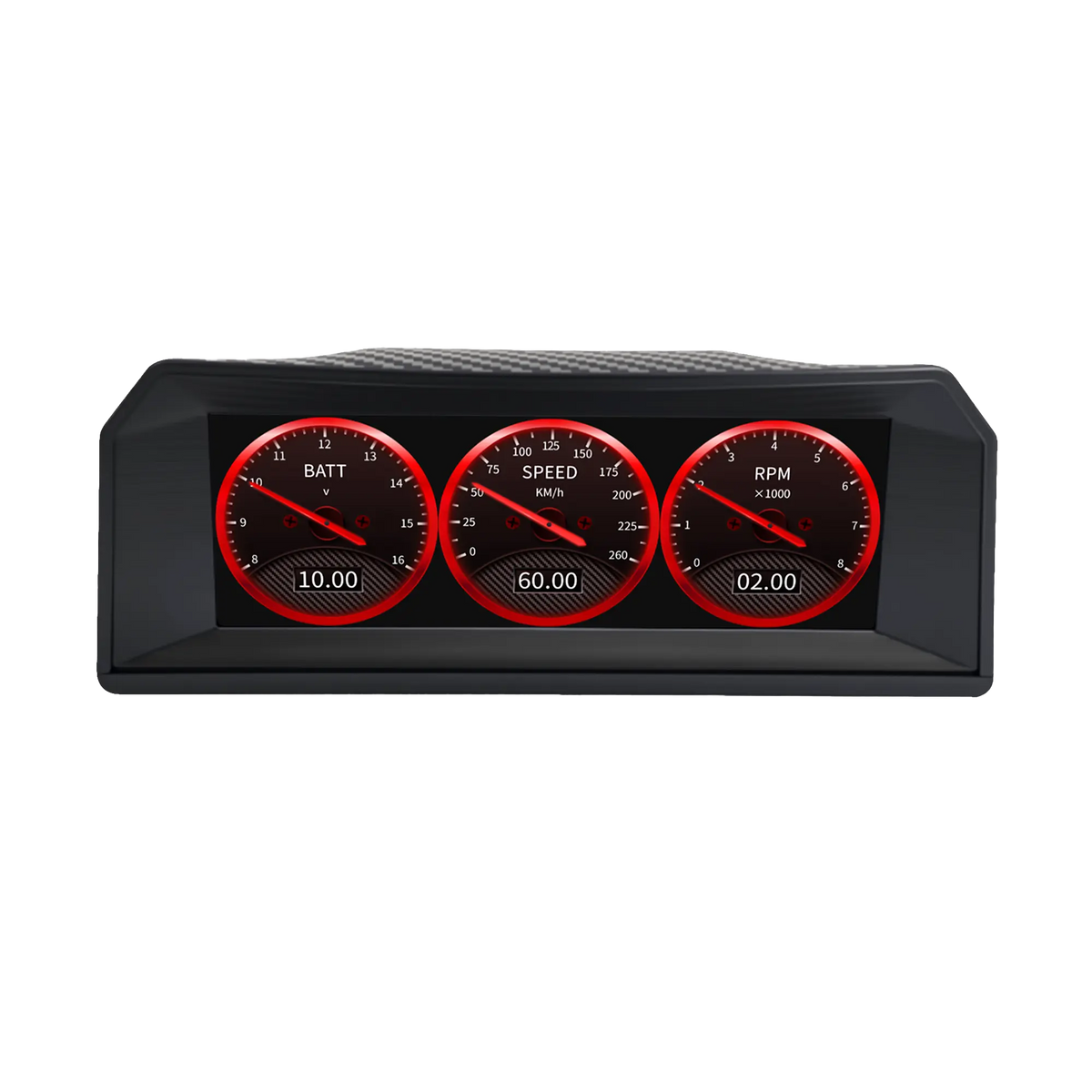
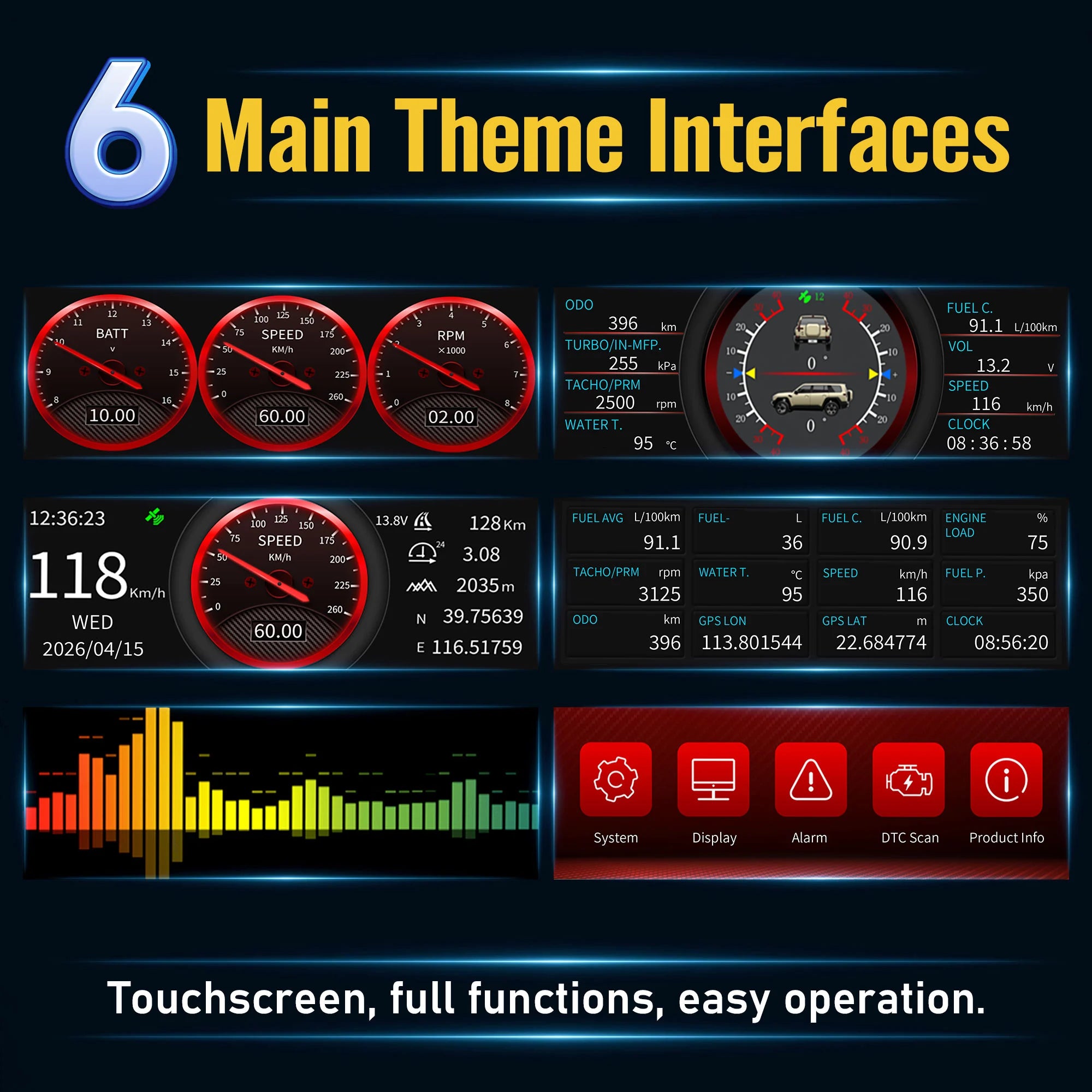
\n \nThe X300 also provides a multi-grid OBD data interface, allowing several supported parameters to be viewed on one screen.
\nNot every vehicle outputs every data item. Unsupported parameters may remain blank, unavailable, or display no valid reading.
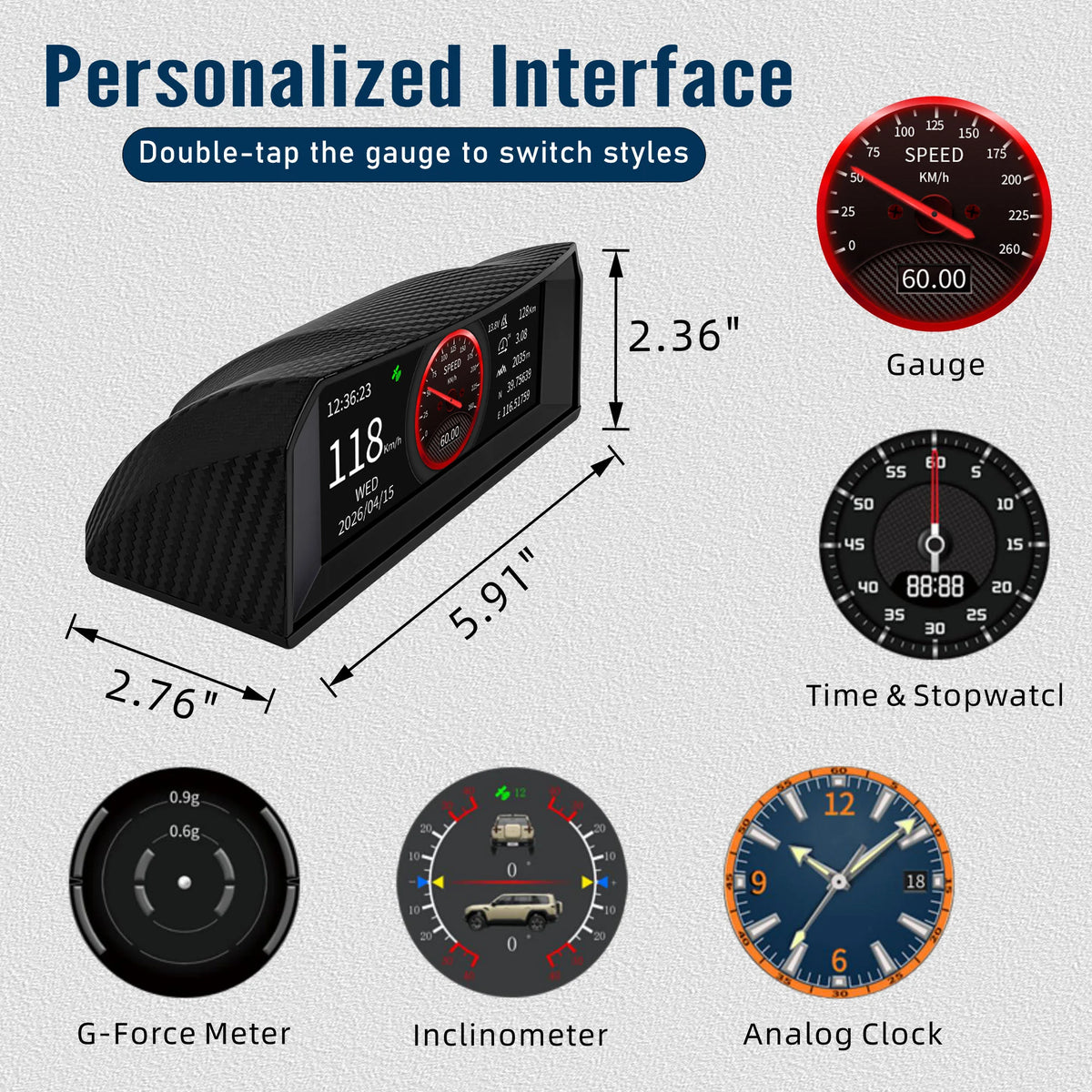
\n \n \nThe X300 offers several ways to view vehicle information, allowing drivers to select the layout that best matches their needs.
\nAvailable interfaces shown in the product manual include:
\n \nUsers can swipe between supported screens and double tap designated display areas to change certain data items.
\nThis provides greater flexibility than a basic single-screen OBD monitor.
\n \n \nThe X300 supports GPS and BeiDou satellite positioning for GPS-based driving information.
\nThe positioning system can provide:
\n \nGPS signal reception may be affected by tunnels, underground parking areas, tall buildings, dense trees, weather conditions, and the installation position of the device.
\nFor better satellite reception, install the display in a position with a relatively clear view toward the windshield and sky.
\n \n \nThrough the vehicle’s OBD-II interface, the X300 helps drivers view supported engine and operating data in real time.
\nDepending on vehicle compatibility, this may include:
\n \nThis information can help drivers better understand vehicle operating conditions during:
\n \nThe X300 is a monitoring display. It does not replace professional diagnostic equipment, scheduled maintenance, or inspection by a qualified technician.
\n \n \nThe X300 supports real-time OBD-II vehicle data monitoring.
\nUnless your confirmed product manual specifically states that the device can read and clear diagnostic trouble codes, avoid describing it as a full OBD fault-code scanner.
\nA more accurate description is:
\n \n\n\nReal-time OBD-II engine and vehicle data monitoring.
\n
Only add the following claims if the device has confirmed support for them:
\n \nThe integrated inclinometer displays vehicle pitch and roll information, making the X300 useful for off-road vehicles, pickups, SUVs, and overlanding applications.
\nThe inclinometer can help users view the vehicle’s orientation while driving or stopping on uneven terrain.
\nAccording to the operating instructions, users can perform horizontal calibration by pressing and holding the center of the inclinometer screen for approximately three seconds.
\nRecalibration may be needed after:
\n \nThe inclinometer provides reference angle information only. It does not replace safe driving practices, terrain assessment, vehicle stability systems, or driver judgment.
\n \n \nThe X300 also includes a G-force display for monitoring directional force changes during acceleration, braking, and cornering.
\nThe G-force interface provides an additional visual reference for:
\n \nDisplayed values are intended as driving reference information and should not be treated as certified performance or safety measurements.
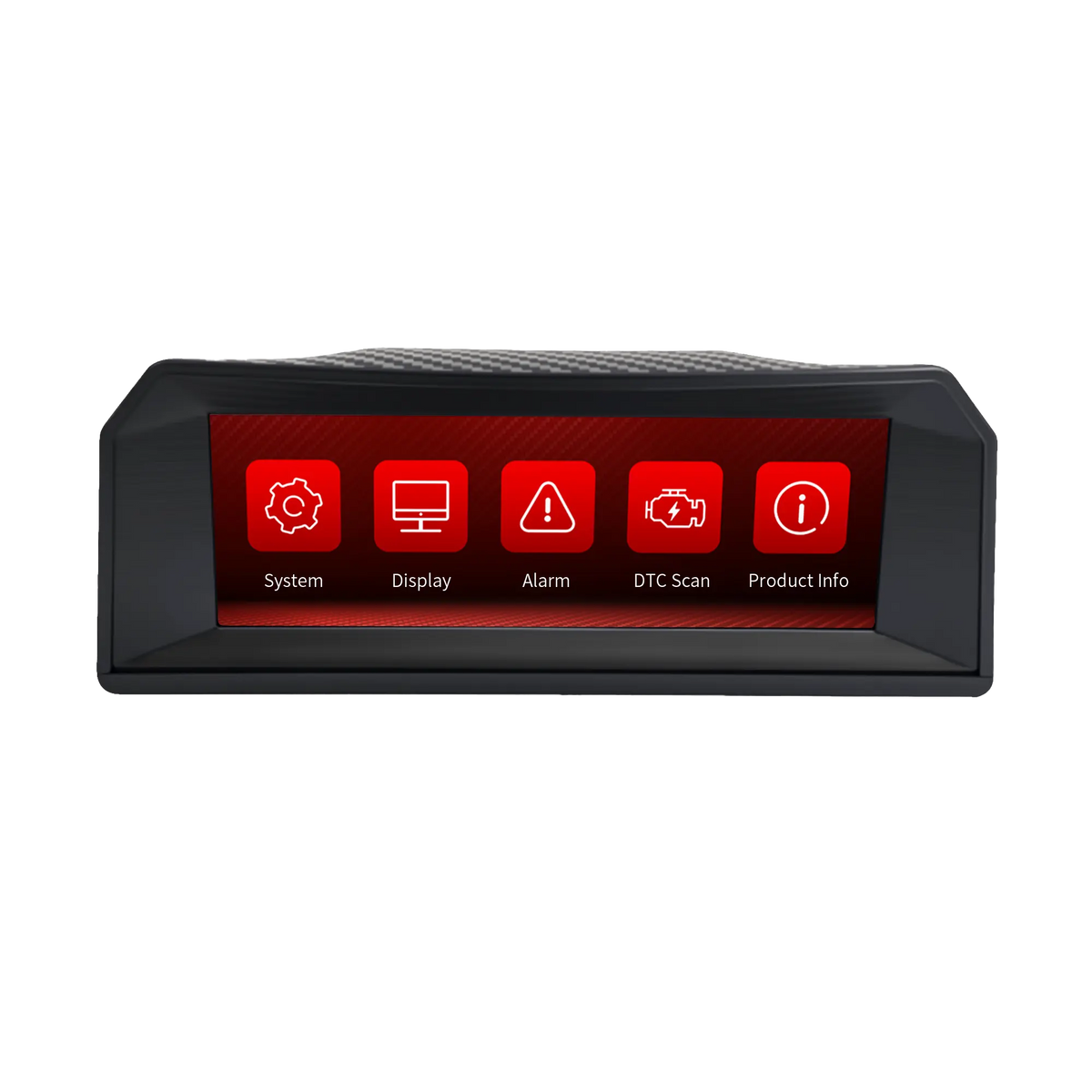
\n \n \nThe X300 uses an interactive screen interface for convenient operation.
\nDepending on the active page, users can:
\n \nThis allows the driver to customize the display according to the vehicle and driving situation.
\n \n \nThe X300 connects to a compatible vehicle through the included OBD-II cable.
\nBasic installation steps:
\n \nThe OBD-II port is commonly located below the dashboard near the driver’s side, although its exact location varies by vehicle.
\n \n \nThe X300 is designed for supported OBD-II vehicles, including select:
\n \nCompatibility should not be determined by brand name alone.
\nBefore purchasing, confirm:
\n \nDiesel, hybrid, electric, modified, imported, or region-specific vehicles may provide different data or have limited compatibility.
\n \n \nThe X300 combines multiple useful driving displays in one compact device:
\n \nFor drivers who want more information than a basic speedometer or single-function inclinometer, the X300 provides a practical way to view vehicle, GPS, and off-road data together.
AOMOSUR develops wireless leveling, tire monitoring, backup-camera and intelligent vehicle solutions for RV and off-road travelers around the world.
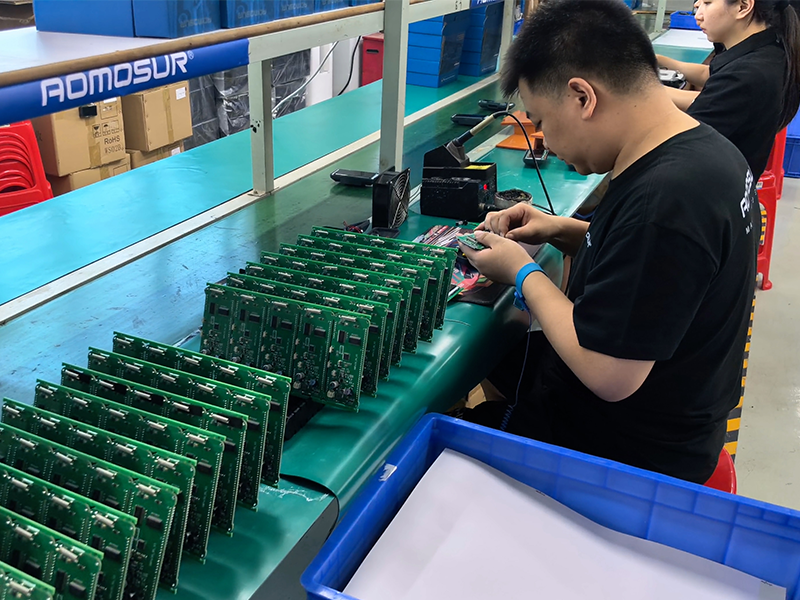
Our hardware combines precise sensing, dependable wireless performance and travel-ready durability, backed by experienced in-house engineering and manufacturing.
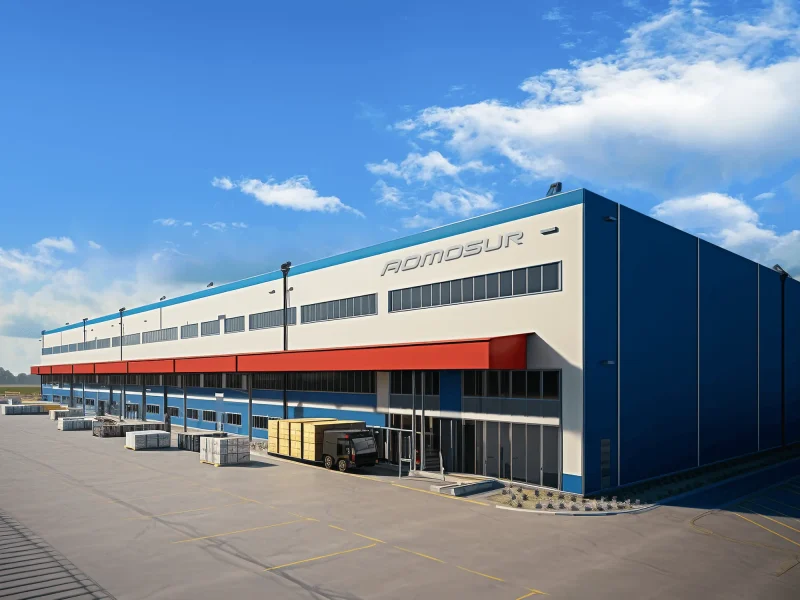
Make every RV journey easier and more secure through practical electronics travelers can rely on.
Turn precise sensing and wireless technology into durable, intuitive products for real travel conditions.
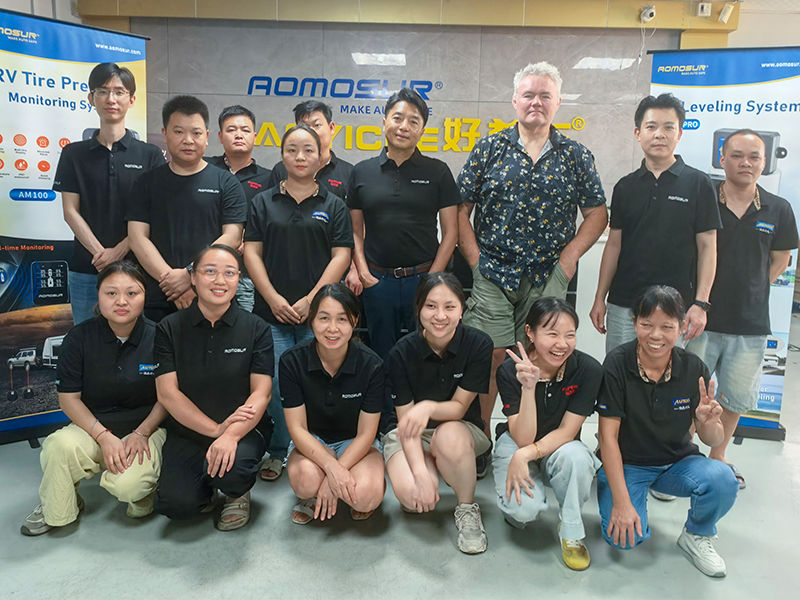
Work closely with customers and partners across North America, Europe, Oceania and other markets.
Listen carefully, support responsively and keep improving every solution after it reaches the road.
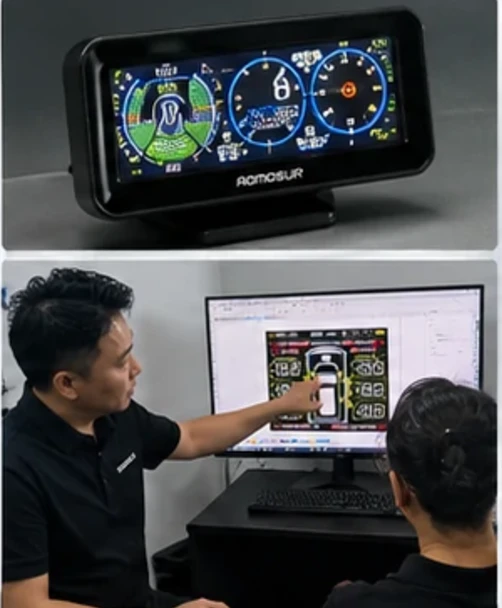
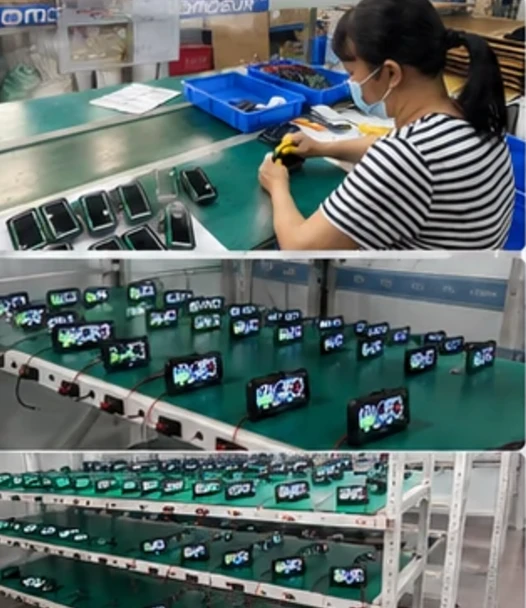
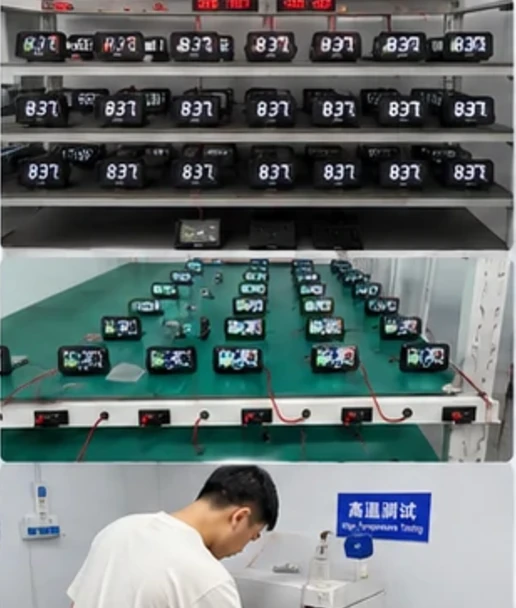
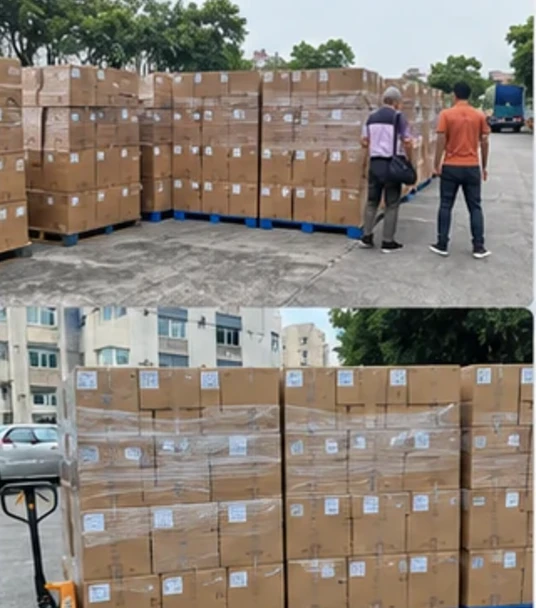
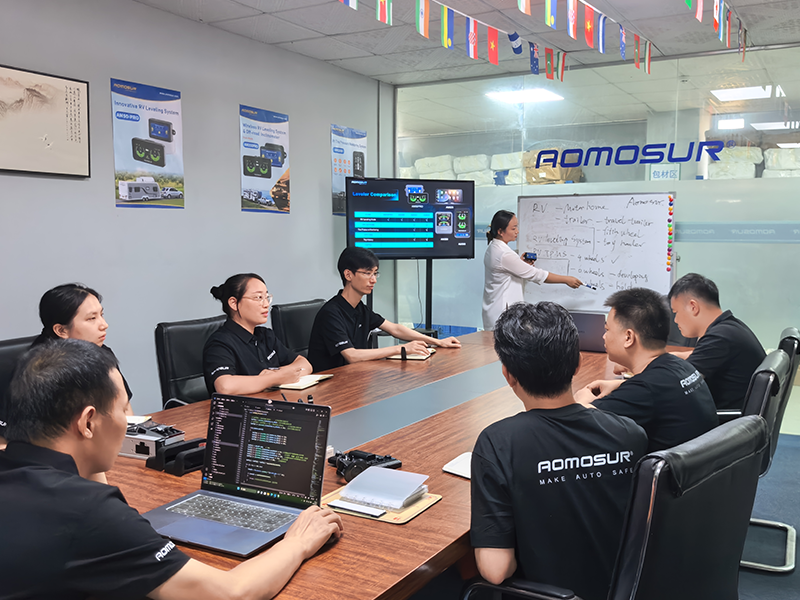
A structured process keeps design, validation, production and delivery aligned.
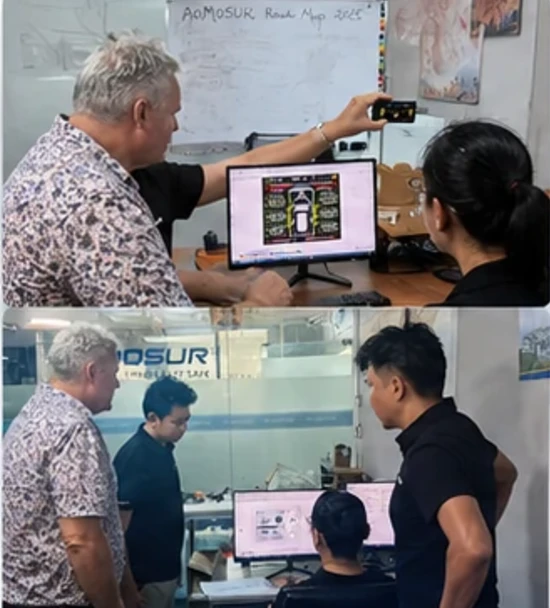
Meeting RV owners and industry professionals gives our team direct insight into how products perform on real journeys.
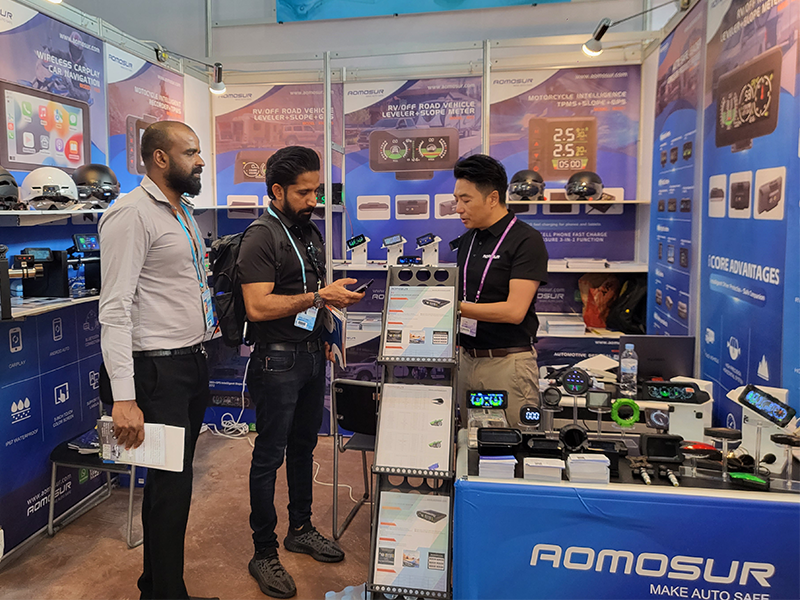
Global exhibitions help us exchange ideas, understand new markets and strengthen long-term relationships.


Explore AOMOSUR solutions for leveling, monitoring, cameras and off-road travel.